
How to Change the Time on your Nissan
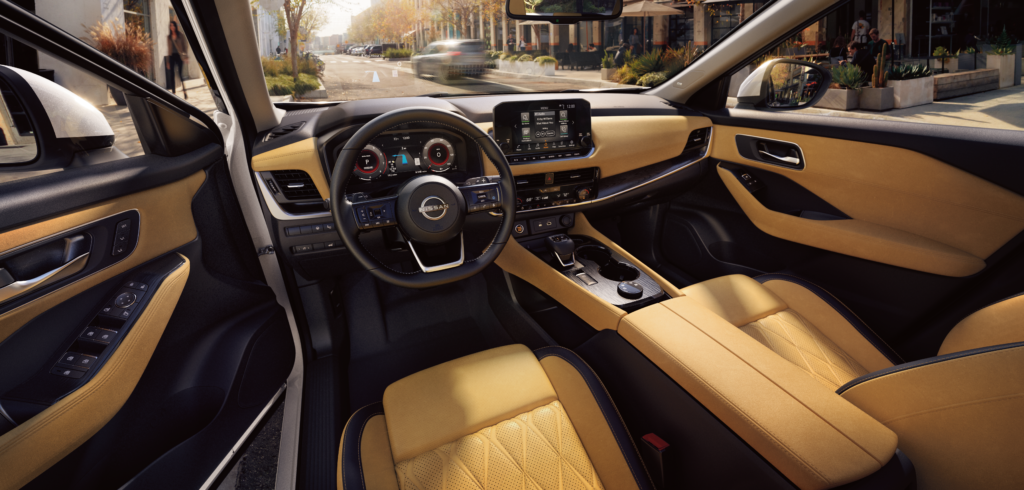
With today’s technology, many expect that clocks will change automatically, but that doesn’t always happen. If you need help changing your car’s clock, stick around and learn.
Daylight savings time comes twice a year, and you’ve likely got into your car in the morning after and realized you need to change your car’s clock.
Here’s a step-by-step process on how to set your clock to the correct time.
Changing Clock Settings
- Find the Setting button in your vehicle
- Click on “Clock”
- Choose between ‘Auto’, ‘Time Zone’ and ‘Manual’
- Choose the correct Time Zone
- Toggle “Daylights Savings” time
- Set manual time
Set Clock Manually
- Click into “set clock manually.”
- Adjust hours, minutes, days, months and years as needed
Setting your clock to the right time is essential to keeping your schedule and keeping confusion to a minimum.
Keep reading

How Often Should You Service Your Nissan?
Routine maintenance is key to keeping your Nissan running smoothly for years to come, but how often should you actually service your vehicle, and what happens…
3 min read

Spring‑into‑Summer Road‑Trip Checklist
Warmer days are here, and July highs in the KC metro routinely hover around 88‑89 °F with a humidity that isn’t shy. Heat, pop‑up thunderstorms, and a…
3 min read

Car Maintenance Checklist for Spring
As you dive into your basic car maintenance routine for spring, why not consider giving your driving experience a fresh start too? If you're driving an…
3 min read
Have a question you want answered? Suggest a topic